Chatbot vs. AI agent: what sets Databot apart from traditional bots
A chatbot answers. An AI agent takes action. The difference seems small, but it changes everything: it quotes, schedules, hands off and recommends without human intervention.
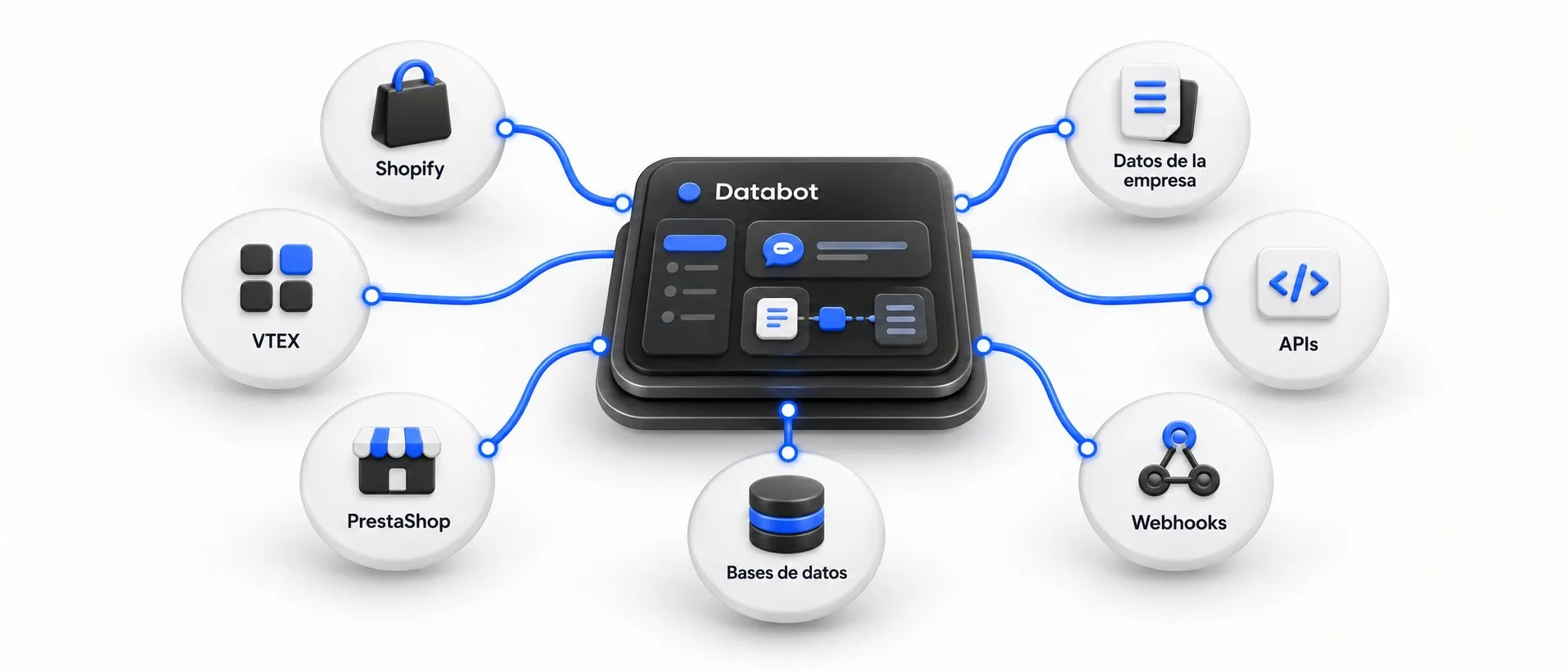
For years, “chatbot” meant a menu with buttons: press 1 for sales, 2 for support. It worked for the basics, but any question outside the script ended in frustration.
AI agents change that logic. The difference comes down to one sentence: a chatbot answers; an agent takes action.
The traditional chatbot
- Follows predefined flows (decision trees).
- Recognizes keywords, but does not understand context.
- When the question does not fit the flow, it hands off or gets stuck in a loop.
- Every new case means designing a new flow.
The AI agent
- Understands natural language, even with typos or long messages.
- Answers with your business information (documents, website, catalog).
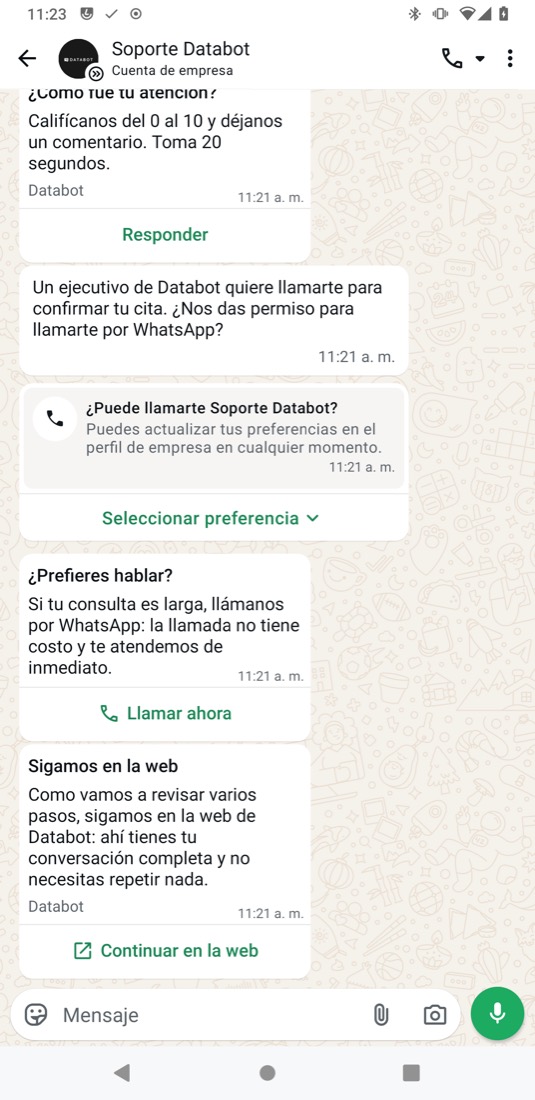
- Uses tools: queries systems, creates tickets, schedules appointments, captures leads.
- Decides when to hand off to a person and passes along the full context.
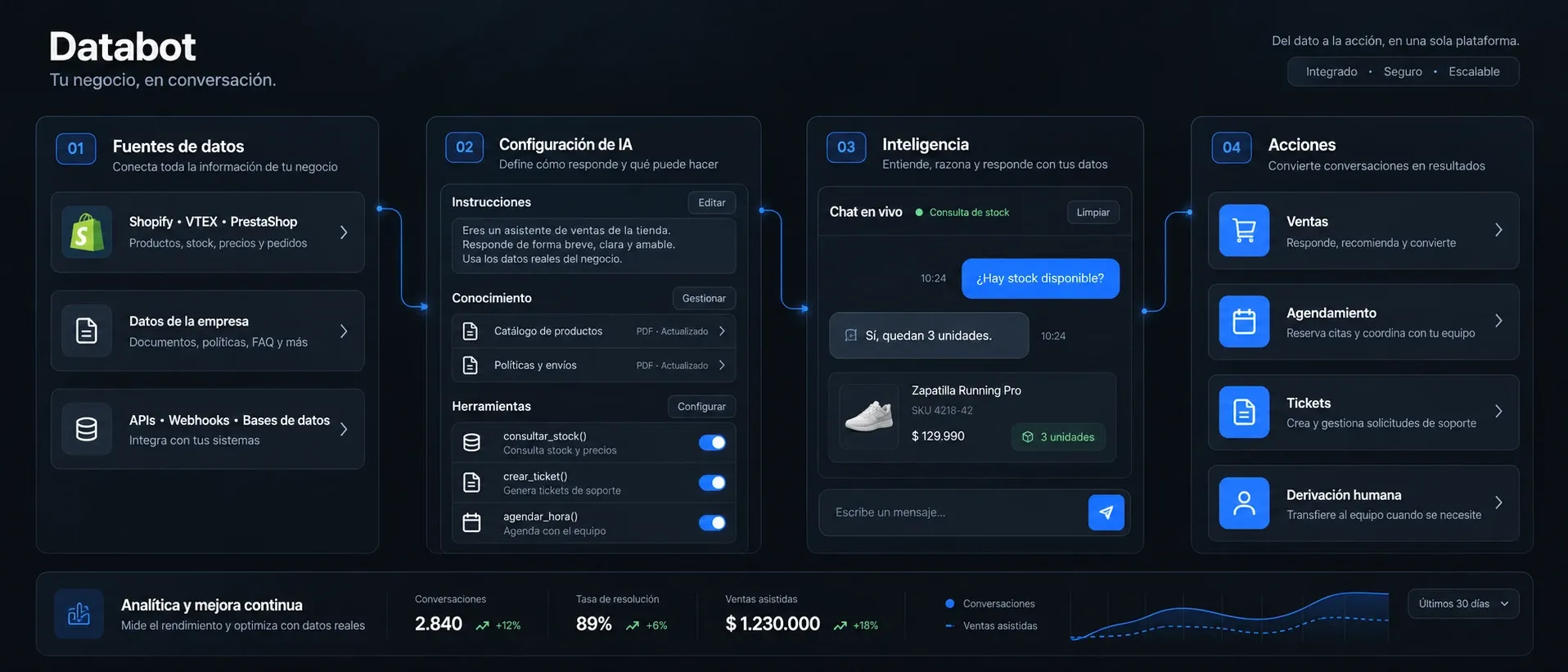
How an AI agent works in Databot: it connects to your data, is configured with instructions and tools, answers with real information and takes action.
What “taking action” means
With the Databot Tools Manager, the agent does more than chat; it acts:
- Quotes: takes the customer’s information and generates a quote.
- Schedules: checks availability and books the appointment.
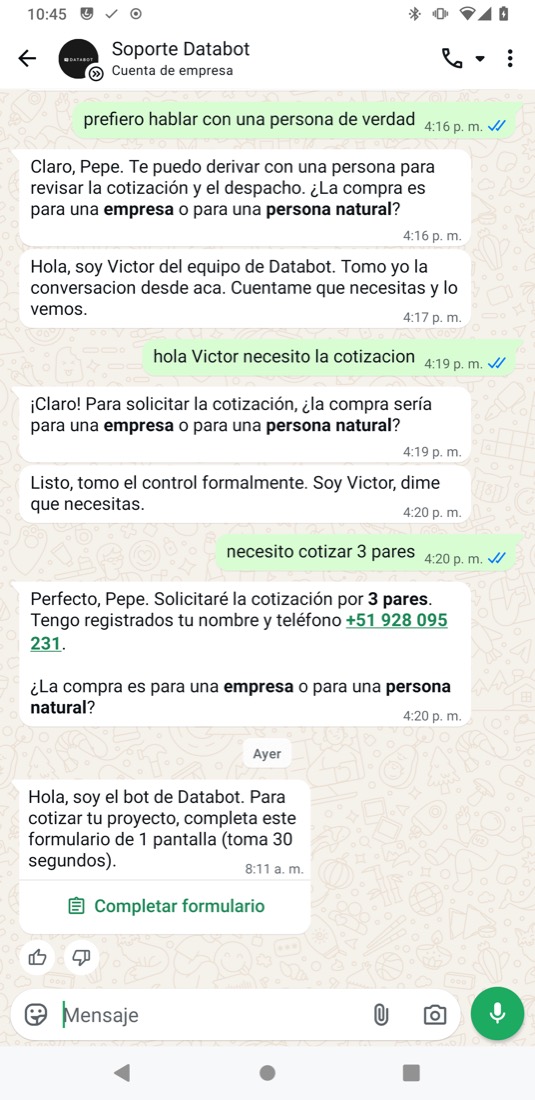
- Hands off: creates a ticket in the ticketing system or transfers to a rep based on rules.
- Recommends: suggests products based on what the customer is looking for.
When does a flow still make sense?
Flows are not going away. They are useful when the process must follow exact steps, for example, to verify identity or meet a legal requirement. The ideal approach is to combine them: flows for regulated processes and an AI agent for everything else.
In summary
| Chatbot | AI agent | |
|---|---|---|
| Understanding | Keywords | Natural language and context |
| Knowledge | Hand-written answers | Your knowledge base |
| Actions | Limited to the flow | Tools and integrations |
| Maintenance | Redesigning flows | Adjusting instructions and content |
Learn more about AI agent configuration or book a demo.